Black Friday falls on Friday, November 27, 2026. Here, we’ll walk you through the features in Rule you should review before Black Week, one at a time: what to do, why, and where to find them.
See the features Book a workshop
Updated October 14, 2026 · By Sara, Rule
Eight features
Here's what to check in Rule before Black Week
The strategy and mailing schedule are included in the Black Friday guide, along with the deadlines for each item on the checklist. Here, we'll walk you through how to do this in Rule.
- 1Sender and DeliverabilitySPF, DKIM, and DMARC; spam filter tests; and sender names.
- 2Brand StyleBlack Friday looks in all styles at once.
- 3Forms and SubscribersPriority over sign-ups, spam protection, and import.
- 4Tags and SegmentsFour segments for mailings and exclusions.
- 5AutomationsWelcome emails, abandoned cart emails, and last-chance emails.
- 6Countdowns, discount codes, and variationsTime limits, unique codes, and different content by segment.
- 7SMS and RCSOpt-out words, consent tags, and messages in two versions.
- 8StatisticsTrack results by mailing and segment, and clean up afterward.
Function in Rule
Sender and Deliverability
During Black Week, everyone sends emails at the same time, and Gmail, Yahoo, and Outlook filter more strictly than usual. Here's how to meet their requirements in Rule.
- SPF and DKIM
Add the DNS records specified by Rule for your domain and notify support, and we will enable DKIM on our end.
- DMARC
Publish a DMARC policy and use the same domain in the sender address in Rule. Notify support once it is in place.
Delivery Reliability → - Unsubscription and Low Spam Rate
Keep the unsubscribe link in all templates and send them only to those who have opted in.
- Test against spam filters
Rule highlights elements that reduce deliverability, such as too many images or suspicious links.
- Keep the sender's name
A new name during Black Week makes it harder for both the recipient and the spam filter to trust the email.
Function in Rule
Brand Style
With Brand Style, you can change colors, fonts, and images in all templates at once. Give your campaigns a Black Friday look without having to redesign each template, and switch back in December.
- Create Your Own Brand Style for Black Week
Save the default one so you can switch back with a single click.
Here's how to set up Brand Style → - Keep the logo and sender name
It's the colors and images that are meant to convey the campaign, not a new brand.
- Check the contrast
A dark Black Friday design with gray text is hard to read on a cell phone.
Function in Rule
Forms and Subscribers
The weeks leading up to Black Friday are the best time of the year to gain new subscribers. People who sign up in November do so to take advantage of the offer.
- Offer priority in exchange for registration
Let subscribers see the offers before anyone else, and place the form on the home page and product pages.
- Use the spam protection feature in the forms
Rule's form code has built-in protection against spam and fraudulent submissions.
- Request consent by channel
Ask for a cell phone number and consent to receive SMS messages in the same form if you plan to send SMS messages or RCS messages.
- Import well in advance
Customers from point-of-sale systems or e-commerce platforms must be imported before Black Week.
Integrations →
Function in Rule
Tags and segments
Using tags and segments, you can control who receives what during the week—and who should no longer receive mailings.
- Have shopped in the past year
Priority or a custom offer.
- Subscriber but has never made a purchase
A clear reason to buy it for the first time.
- Haven't opened in six months
Fewer mailings—or none at all—to ensure deliverability.
- I've shopped during Black Week
Exclude from reminders. At the same time, remove old segments and tags.
Segmentation in Rule →
Function in Rule
Automation Systems
Three automation tools are most useful during Black Week. They work around the clock while you manage the campaigns.
Welcome Email
Trigger: Someone signs up for the newsletter
Black Friday: Let us know when the deals go live and how customers can get them first
Abandoned Shopping Cart
Trigger: A customer abandons their shopping cart
Black Friday: Ship within an hour and mention that the offer is for a limited time
Last Chance
Triggered: the final hours of the campaign day
Black Friday: Only for those who have clicked but haven't made a purchase
- Exclude those who have acted
Set the "Has shopped during Black Week" segment as an exclusion in all three automations.
Abandoned shopping cart in Rule → - Add SMS messages to the feed
With Journey Builder, for example, two hours after an email was sent to those who didn't open it.
Journey Builder →
Function in Rule
Countdown, discount codes, and variants
Three features that make campaign mailings more effective.
- Countdown
Five ready-made themes at no extra cost. You can use them no earlier than nine days before Black Friday, which means starting November 18, 2026.
- Unique discount codes
Harder to share and easier to track.
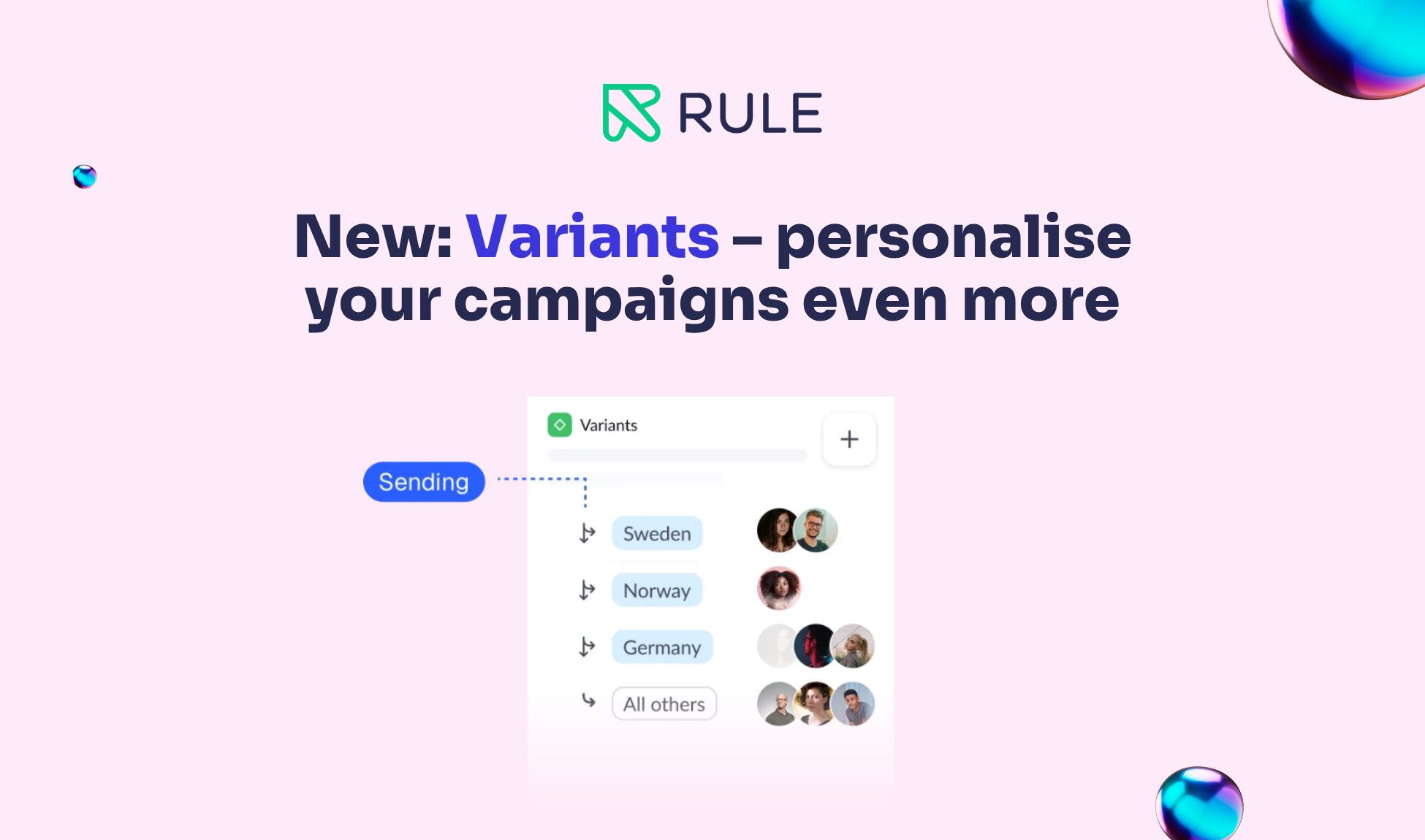
Discount codes in Rule → - Variants
The same mailing gives priority to regular customers and includes a welcome offer for those who have never shopped there.
- Test it before you schedule it
Links and codes on your phone and in dark mode, and compare prices according to the 30-day rule.
The rules in the guide →
Function in Rule
SMS and RCS in Rule
With Rule, you can send SMS and RCS messages from the same platform as your email, to the same audience, and with the same analytics.
- Stopword
The account requires an opt-out keyword for SMS marketing. Please request it through support well in advance.
- A tag for SMS consent
A "yes" to email does not apply to SMS. Mark those who have agreed to receive SMS messages.
- Messages in Two Versions
RCS with images and buttons, and an SMS version for recipients without RCS support.
Schedule and sample texts in the guide →
Function in Rule
Statistics During and After Black Week
During the campaign days, the job is to analyze the statistics and make adjustments, not to build something new.
- Track every mailing
Move the unsubscribes to a separate segment, and send fewer emails to that segment for the rest of the week.
- Expect lines
Schedule important mailings a little while before the offer begins.
- Clean up afterward
Switch back to Brand Style and pause the Black Friday automations.
- Save the results
By segment and channel, as a basis for next year.
Black Friday Workshop
Review the account with Customer Success
We'll walk you through how to use customer data, segmentation, deliverability, SMS, and RCS, as well as your Black Week strategy.
FAQ
Frequently Asked Questions About Black Friday at Rule
How do I enable DKIM and DMARC in Rule?
Add the DNS records specified by Rule for your domain and publish a DMARC policy. Then notify support, and we will enable DKIM and DMARC on our end.
Which automations should be up and running before Black Friday?
Welcome emails for new subscribers, abandoned shopping carts, and a "last chance" email sent during the final hours of the campaign.
When should the countdown be included in the email?
No earlier than nine days before Black Friday, that is, starting November 18, 2026.
Do I need DMARC to send Black Friday emails?
Gmail, Yahoo, and Outlook require SPF, DKIM, and a DMARC policy for senders of large volumes. Without them, your emails risk ending up in the spam folder.
Can I send SMS and RCS messages from Rule during Black Week?
Yes. The account needs a stop word, which you should request from support well in advance.
Can I get some help with my Black Friday preparations?
Yes. The Rules Customer Success team is hosting workshops leading up to Black Friday. Contact csm@rule.se.
Don't have an account yet?
Try Rule Free and get started with email, SMS, and RCS before Black Week.
Get Started for Free Schedule a demo
No minimum contract term and no credit card required.