We all know what a full inbox looks like. Emails that don’t seem interesting get quickly filtered out and end up in… yep, the trash. But when something seems relevant, we want to open it. A sender we recognize and a subject line that makes us want to read more can make all the difference.
How can you make your emails spark that interest, so that recipients open them, read them, and maybe even click through? The great thing is that you don’t have to start from scratch or change your entire strategy.
Here are five simple tips to try in your next mailing.
1. Segmentation: Tailor content to different target audiences
Not everyone on your list is interested in the same things. New subscribers might want an introduction, while others appreciate in-depth content or the latest news.
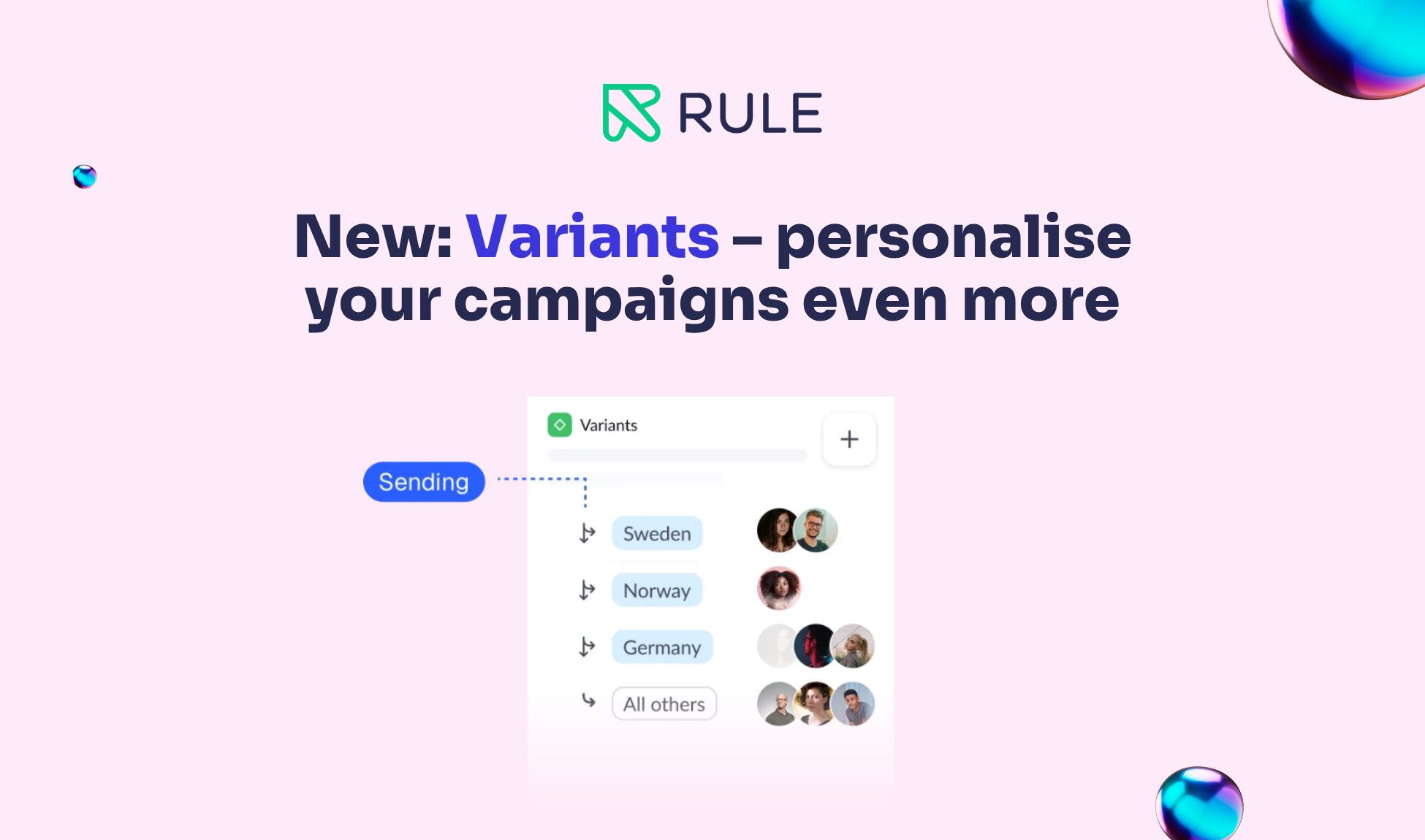
With segmentation , you can divide your contacts into groups—for example, based on their interests or what they’ve clicked on in previous mailings. This makes it easier to choose content that’s right for each group.
Start with two groups and a relevant topic for each. Also customize the subject line so that the benefit is clear to the recipients of the email.
2. Sender: Use a name the recipient will recognize
The sender’s name is already visible in the inbox. Make it easy to see who the email is from.
Use the name of your company or organization, or combine it with a person’s name—for example, “Anna at Company Name.” Use the same name in all your mailings so that recipients will recognize you.
Do a quick check by opening a previous email in your inbox. Is it immediately clear who the sender is?
3. Subject line: Keep it short, clear, and honest
The subject line should explain what the email is about and give the recipient a reason to open it.
“Three Tips for a Better Newsletter” says so much more than “News from Us.” You can also try asking a question, such as “Do you want more people to read your newsletter?”
Highlight the most important points first, so they’re visible even on mobile devices. Make sure the content lives up to what the subject line promises. This builds trust for your next email.
4. Preview: Give them an extra reason to open it
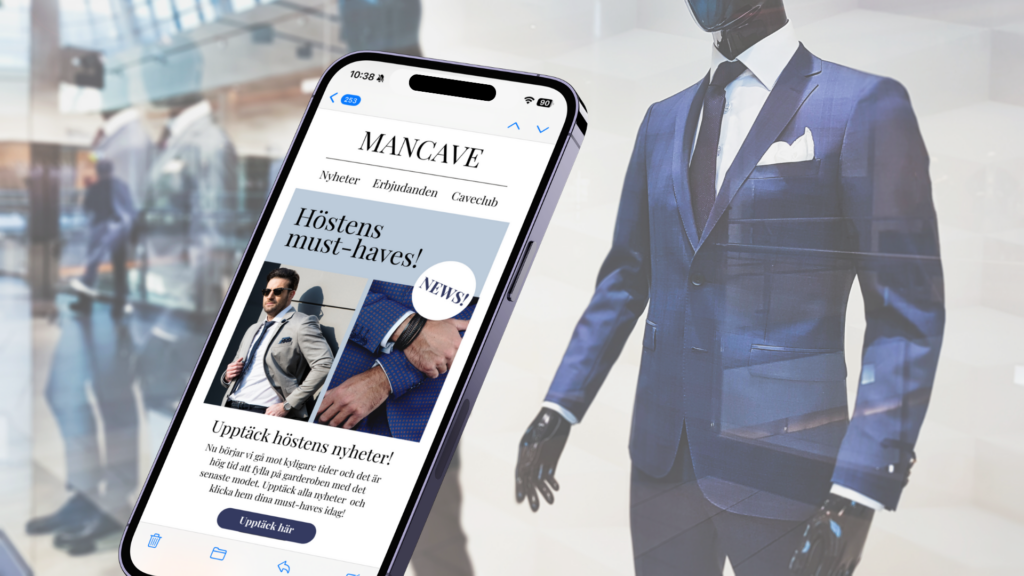
The preview, also known as the preheader, is the short piece of text that often appears after the subject line in the inbox. Use it to provide a little more information.
Subject Line: Three Tips for a Better Newsletter
Preview: Simple changes to try in your next mailing.
Make sure the text complements each other. If you leave the preview field blank, other text from the email may appear there, such as “View in browser.”
So write your own text and send a test email to yourself. Check how the subject line and preview look together on both your computer and your phone.
Learn more about the preview.
5. Try one thing at a time
A/B testing might sound complicated, but you can get started easily. You compare two versions of the same email to see which one works best.
Start with the subject line. Send one group of recipients a question, such as “Do you want more people to read your newsletter?”, and another group “Three tips for a better newsletter.” Keep the rest of the email the same and compare the results. This will give you an initial clue as to what piques your recipients’ interest.
Start with the next email
You don’t have to do everything at once. Choose one of the tips, try it out, and see how it goes. Small improvements will help you get to know your audience and create emails they’ll want to read.
Would you like more tips or to get started with your mailings? We’ll help you get started with Rule the easy way.