

FAQ – Discontinuation of the Old Classic Editor

After our most recent Rule Academy session, where we announced that the old classic editor will be shut down, we received many insightful questions. Of course, we want to make the transition to the new editor as smooth as possible for you. That’s why we’ve compiled all the questions and answers from the webinar here, along with guides from our Help Center and other training materials.

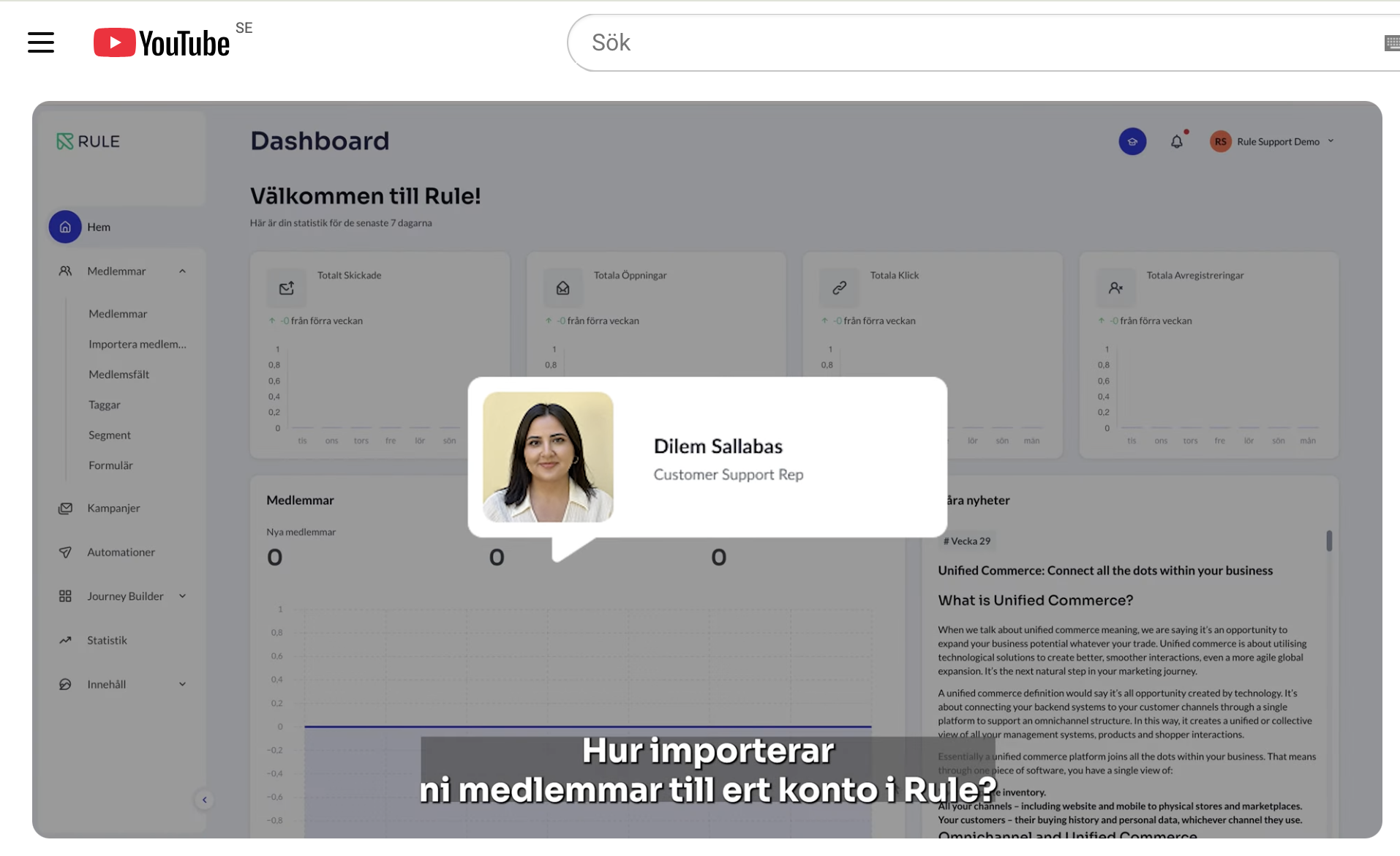
You can watch the entire webinar here

Discontinuation of the Old Classic Editor

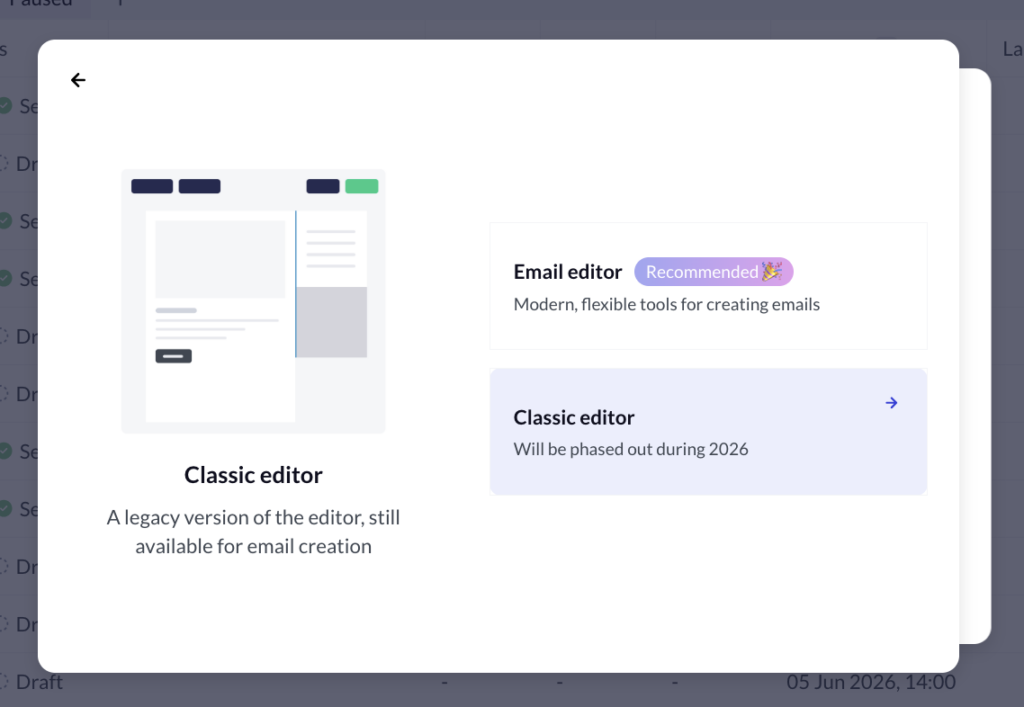
Classic editor

The image shows the old classic editor, which we previously announced will be phased out in 2026.

The classic—now outdated—editor will be shut down on September 30, 2026.

Ahead of the shutdown of our old classic editor, we recommend that you start familiarizing yourself with the new editor as soon as possible. That way, you’ll have time to test the features and feel comfortable with how the new editor works before the old classic editor is shut down.

Regarding your automations:
To make it easier to edit and further develop your automations in the future, we also recommend that you gradually migrate them to the new editor. We recommend that you create new automations as inactive in the new editor.

IMPORTANT: When you’re ready to activate your newly created automations in the new editor and disable the old ones, it’s important to first make sure that no recipients are still in the queue for the old automations. If you have automations with multiple messages and long delays where recipients are still in the queue, please feel free to contact support for guidance.

Related links

FAQ - Questions and Answers from the Latest Rule Academy Session

The old classic editor will be shut down on September 30, 2026. We recommend that you start familiarizing yourself with the new editor well in advance so that you have time to test its features and get to know how it works before you start using it.

No. Automations that are already in the old classic editor will continue to work even after the old classic editor is shut down.

NOTE! However, you will no longer be able to edit them. If you want to make changes in the future, we recommend that you create corresponding automations in the new editor.

Yes, emails that have already been created and scheduled in the old classic editor should be sent without any problems.

No, emails from the old classic editor cannot be imported directly.

You'll need to recreate them in the new editor, but it's easy to visually recreate blocks as sections in the new editor. Once you've done that, you can save them as a group that you can drag into a new email next time and have the same structure right away.

There is a comprehensive guide in our Help Center that explains how to do this. Read more here

No. Journey Builder and the new editor are two separate tools.

Yes. The loop blocks you had in the old templates (which list order lines, for example) need to be recreated in the new editor. You need to specify what information the email should display.

There is a comprehensive guide in our Help Center under the “Editor” section that explains how to do this. Read more here

Yes, that's possible.

The easiest way is to use a segment triggered by a tag that is assigned to members once they have read the first message.

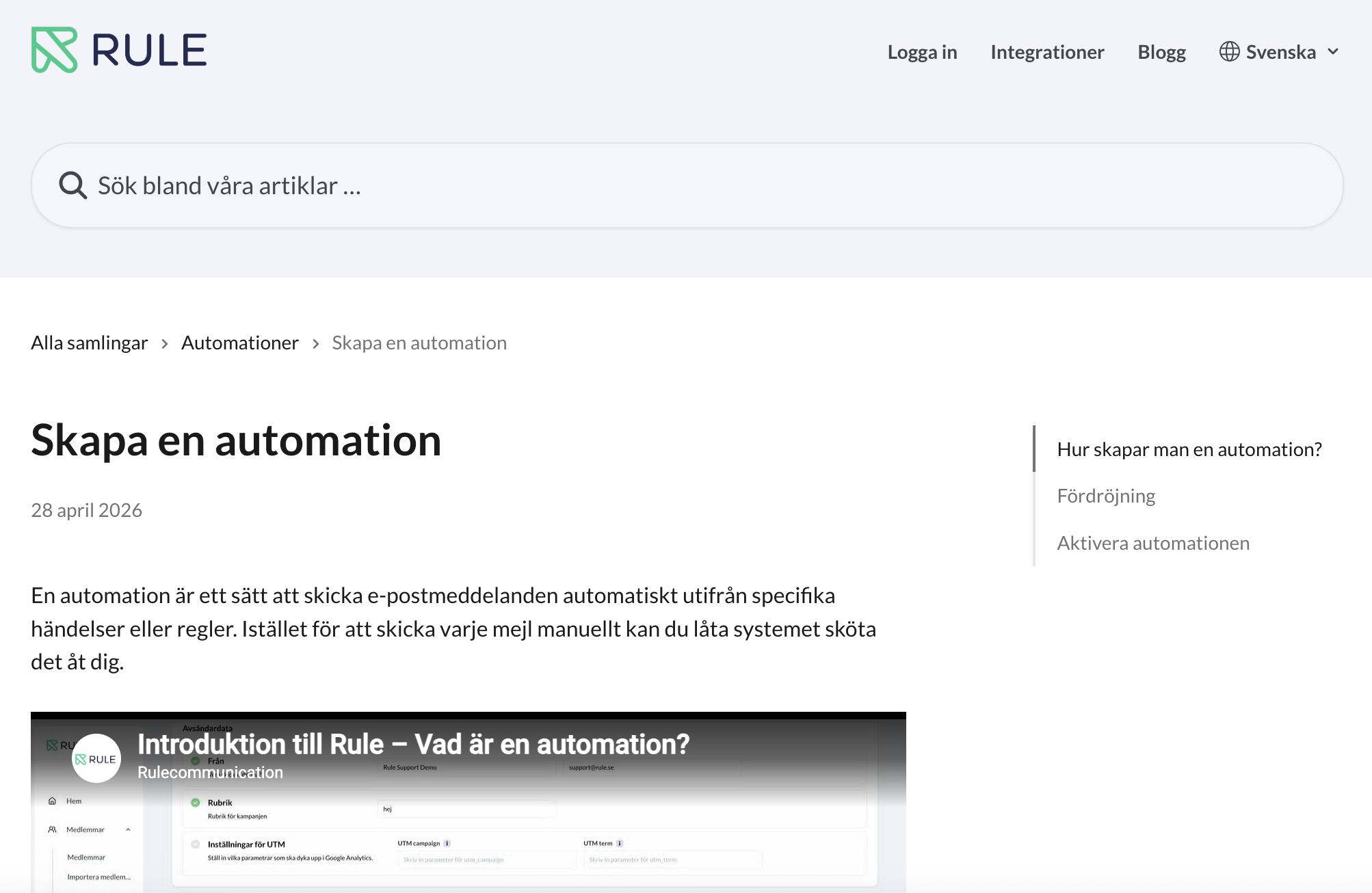
There is a step-by-step guide in our Help Center that explains how to do this. Read more here

No, you can't.

The idea is that you should always be able to edit the content as needed. Saved sections and groups will appear exactly as you saved them and can then be modified if necessary.

No. The new editor has both desktop and mobile modes built in.

There may be minor differences in how the email appears on different devices and in different email clients, but the content is always the same.

Share this article

Drive engagement and growth through smart communication

API vs SDK vs MCP

API vs SDK vs MCP: What’s the Difference, and Why It Matters for Marketers

If you’ve spent any time around software in the last year, you’ve probably seen three acronyms thrown around interchangeably: API, SDK, and MCP. They’re related, ...
Read More

Successful email marketing during Black Friday

For retailers, Black Friday is one of, if not the biggest sales event of the year. There is a possibility to compensate for lost revenue ...

Read More

The Ultimate Guide to Halloween Email Marketing

If you’re looking for some inspiration for Halloween and your upcoming email marketing campaigns, you’ve come to the right place. In this guide, we’ll share ...
Read More

Explore Rule Free, without even having to register a debit card.

Discover how you, with the help of Rule and smart communication, can drive growth through increased engagement. 

  • Pre-made templates and free emails
  • Try our features in your own pace
  • No lock-in period or hidden extra fees

Get a personal demo of Rule

Discover how you can increase digital engagement and growth in a personal demo of our platform.